

NSX introduced Projects concept starting 4.x version, which is true multi-tenancy feature introduced in NSX.
Prior to this we used to do VRF-lite or separate Tier-1 & Tier-0 set of routers for each tenant to achieve multi-tenancy that too was only from routing prospect, it was not a true multi-tenancy solution, since the security objects were still shared among all tenants.
With NSX-Project feature we can isolate security and networking objects across tenants in a single NSX deployment only.
In this blog series we will be discussing and implementing Projects in details, however this particular blog will be short and majorly focus on the theory piece of it which is needed to understand this multi-tenancy concept.
Project feature availability with respect to NSX versions:
- 3.2.x or earlier > Not available.
- 4.0.1.1 > Available with API only, configuration is displayed as read-only values to the Enterprise Admin in the NSX UI, and can only be edited using API calls.
- 4.1 or later > Available with GUI as well as API.
NOTE : Multi-tenancy is currently not supported in an NSX Federation environment.

Key Points
- Project configurations are set up under /orgs/default/projects/infra
- Tier-0 & Edge Clusters belong to Infra/default space only.
- Tier-0 & Edge Clusters can be consumed by projects under the org.
- Projects only contain Tier-1 & project specific security objects.
- Objects created under projects belong to specific project tenant only & will be seen under default space or other project space.
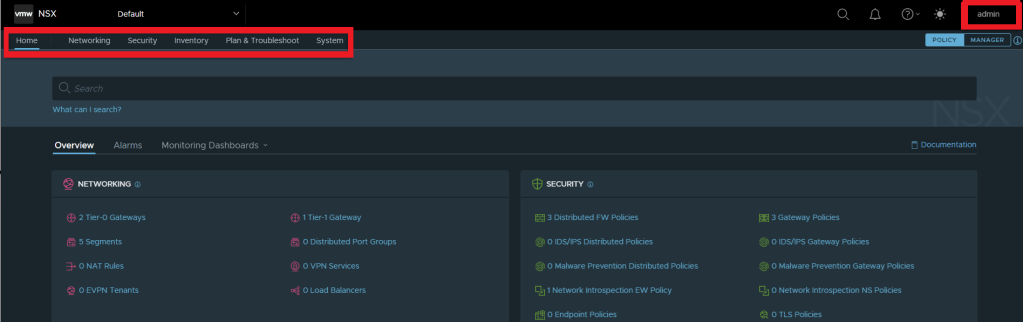
Below picture shows the default view of Admin, Overview page shows a high-level summary of the objects in the default space.
Default Space has visibility of all the projects & its specific objects, however Project doesn’t have visibility of default space objects.
Once we create any project, it shows up under project drop-down menu.
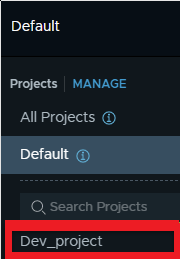
After clicking specific project, in this case Dev-Project we will be in Project menu & will not see any default space object but only project specific objects.

NSX VPC
- Virtual private cloud concept was introduced with version 4.1 onwards.
- Adds an additional layer of multi-tenancy within a project.
- Can be created under project only & not in default space.
- Configuration path via API looks like – /orgs/default/projects/<project-id>/vpcs/<vpc-id>
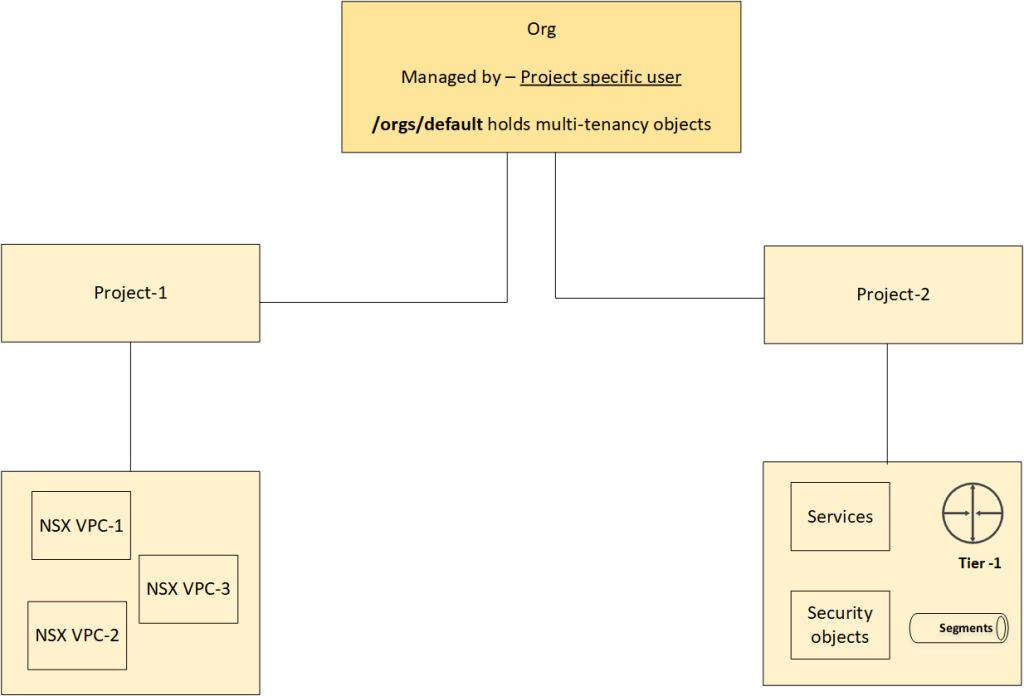
till now, we discussed about the multi-tenancy / project concepts hierarchy in NSX, majorly theoretical… we will continue to deep dive & implement this lab in upcoming blogs. stay tuned… !!
—–Thank You—–
Prashant Pandey

 NSXworld