
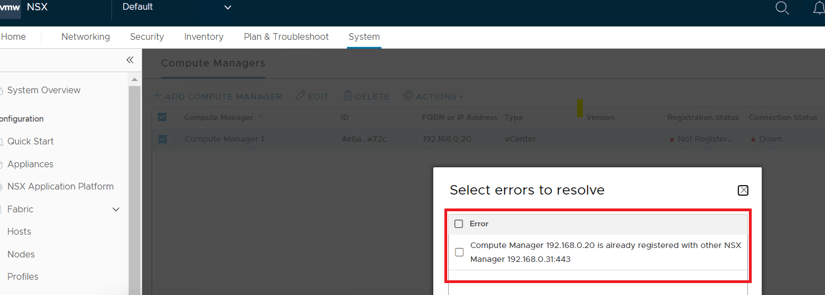
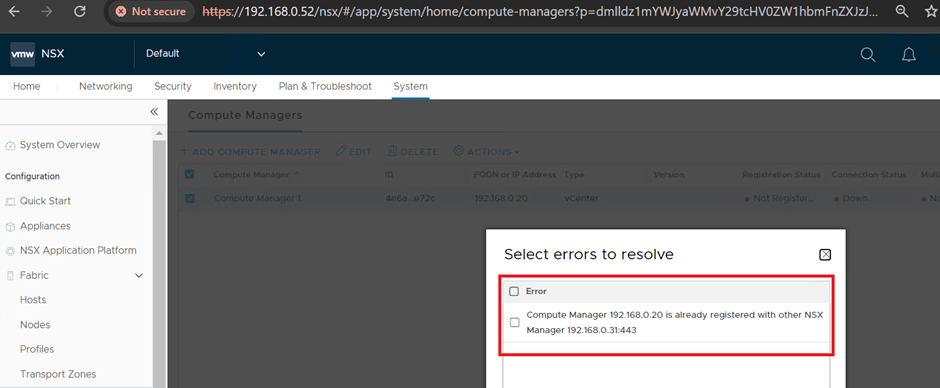
While adding compute manger during NSX implementation we have often seen an error “compute manager already registered with other NSX manager node” reason being that compute manager/vCenter was added earlier to other NSX manager which is not being cleared properly and a stale entry still exists with vCenter.
In this blog we will cover the same problem statement along with its fix.
Problem Statement – While adding compute manager to NSX-T Manager it errored out “compute manager already registered with other NSX manager”
Reason – vCenter is having stale entry in its database for some previous NSX manager.
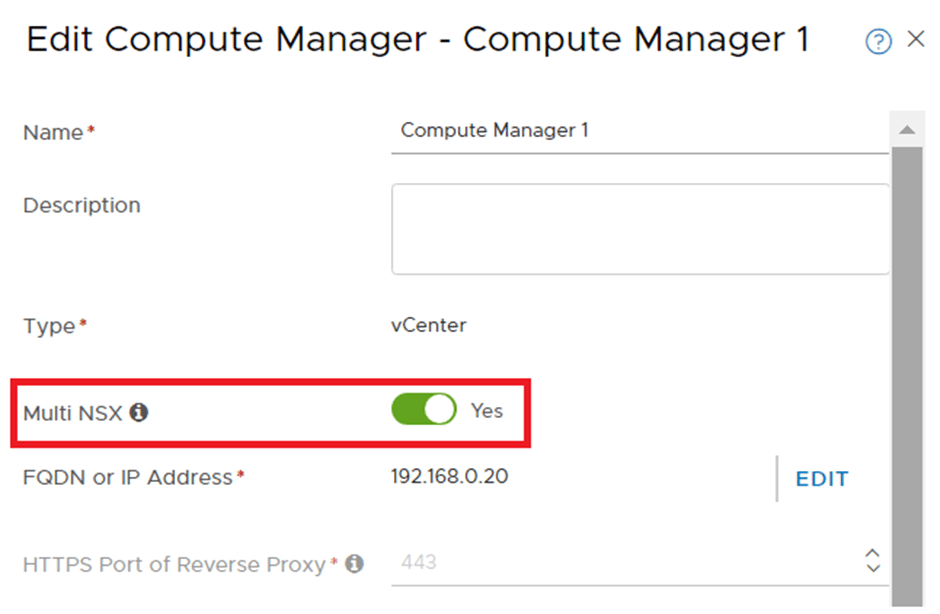
Workaround: Use Multi NSX option to add this vCenter in new NSX manager, but this will only work if previously you have added this vCenter to other NSX manager in Multi NSX mode only, which was not there in my case.
Permanent fix is to remove the stale entry of old NSX manager from the vCenter, below are the steps which can be used for the same.
Access vCenter https://fqdn/mob
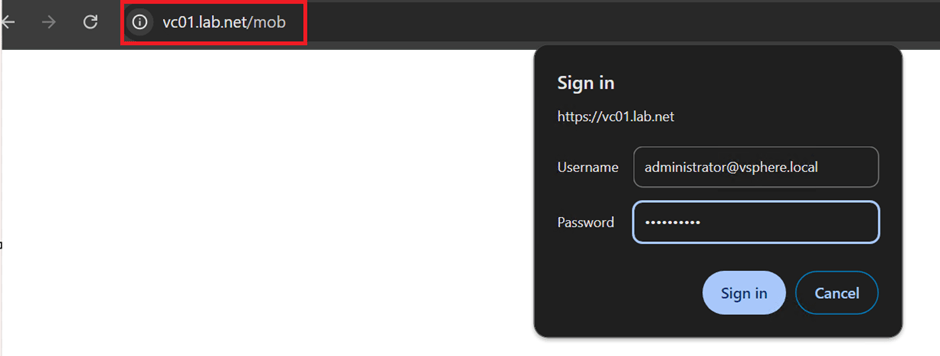
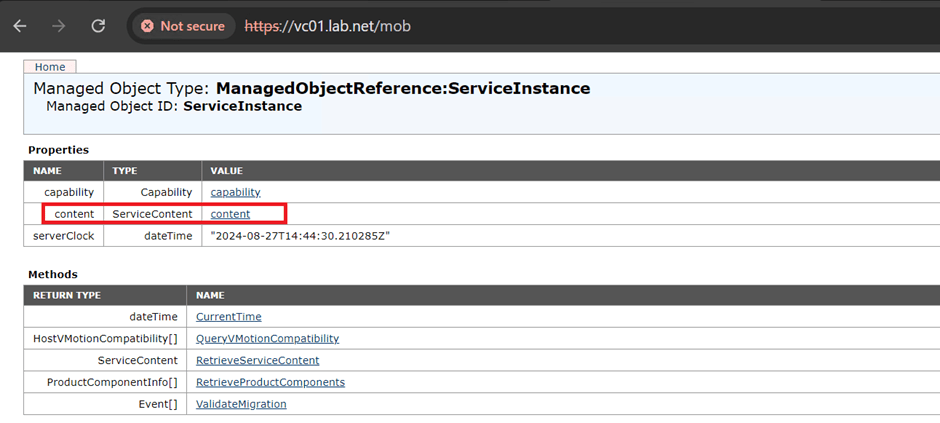
Once logged in, go to “content” hyperlink.
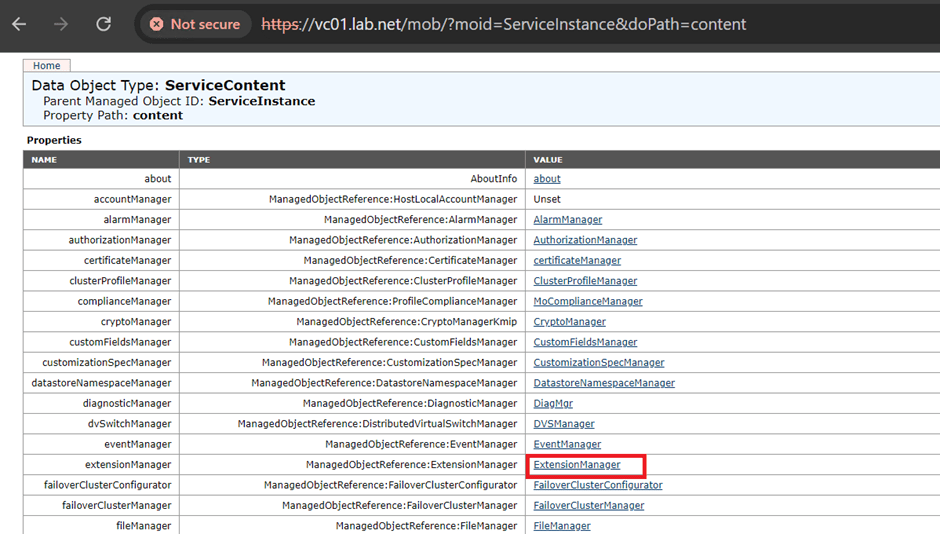
Go to “Extension Manager”
Click on “more” highlighted below to view all the extensions.
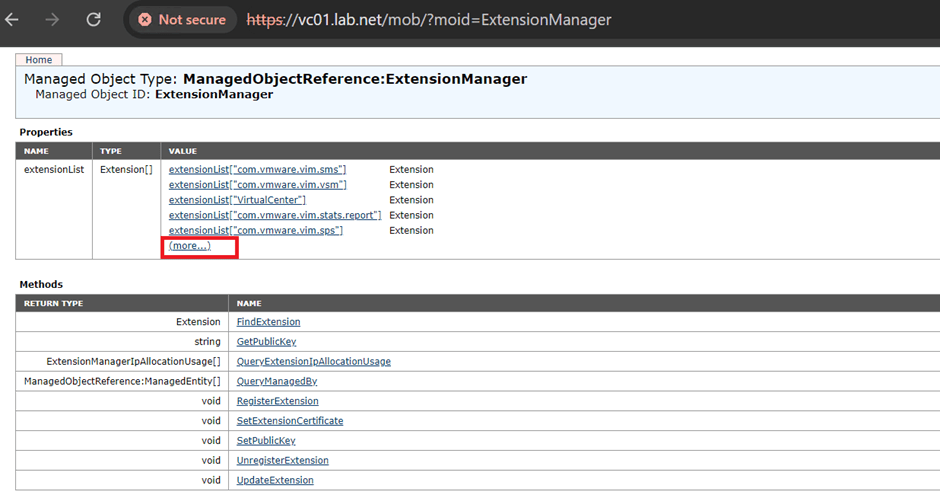
We can see the associated NSX manager extension in the extension list.

Go to NSX manager extension via clicking on the same, We can see the association with NSX-T 3.2.3.1 already exists.
Copy the Key/string highlighted in the screenshot, this is the Key/string which will be used to remove the association of this NSX manager in later steps.

Go to Extension list again and this time “UnregisterExtension” hyperlink
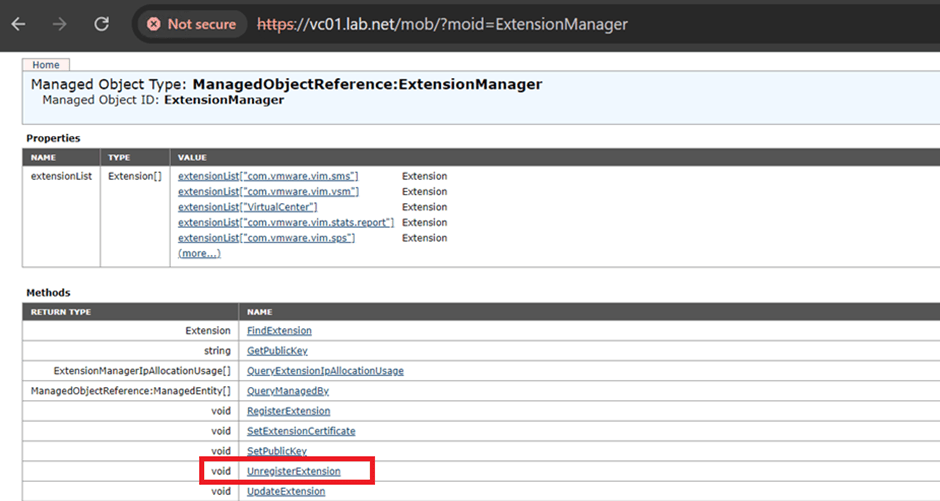
Search with Key/String copied earlier and click Invoke method

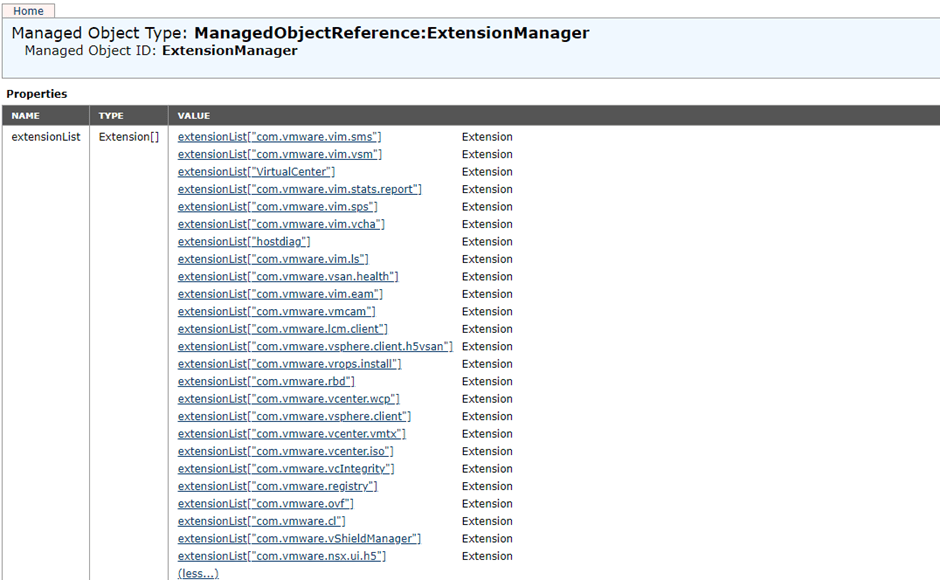
Let’s review again the Extension list: We can see “NSX manager association is no longer present”
Final step – Try to re-add compute manager to NSX manager.
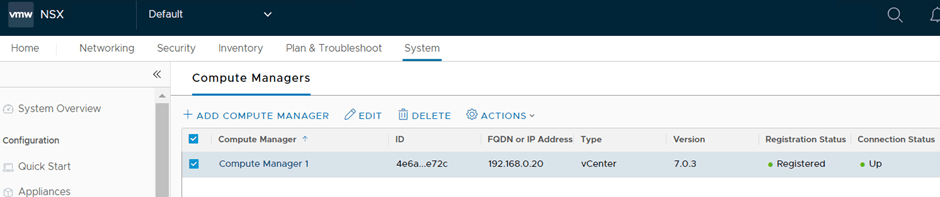
Outcome – Compute manager added successfully.
This is it for today’s blog, we will discuss some new topic in upcoming blogs, stay tuned… !!
—–Thank You—–
Prashant Pandey

 NSXworld